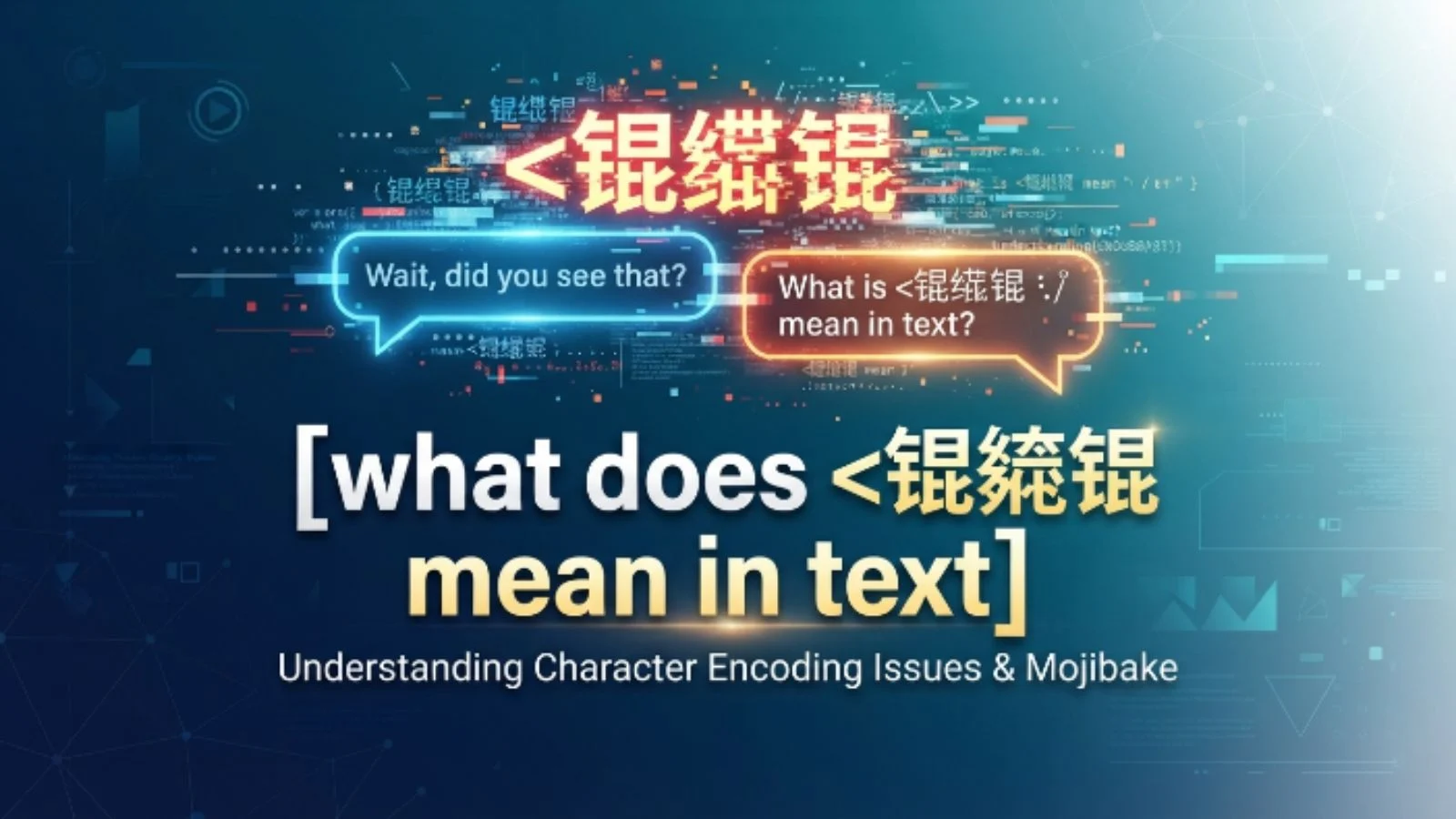
You are scrolling through a thread, checking an old backup file, or reading a text message from a friend when suddenly, your eyes hit a wall. Right there in the middle of a perfectly normal sentence sits a bizarre, chaotic string of characters: 锟絛锟.
It looks like a secret spy code, a massive computer virus, or like your keyboard just had a nightmare. Your immediate thought is probably, Did my phone just glitch out, or is this some weird new Gen Z slang I am too old to understand?
Do not panic. Your device isn’t dying, and you haven’t missed out on a new internet trend. There is a fascinating, slightly technical reason behind this digital mess.
Let’s break down exactly what is happening when you see this character string and how to fix it.
What Does 锟絛锟 Mean in Text?
Here is the quick answer to clear up the confusion: 锟絛锟 does not have a literal meaning, definition, or slang translation. It is not a word. Instead, it is a famous digital artifact known as a mojibake (a Japanese term for character corruption). It happens when software attempts to read text using the wrong character encoding system, specifically misinterpreting the classic Unicode Replacement Character.
The Short Explanation: When a computer gets confused by a character it doesn’t recognize, it displays a generic “question mark” symbol. If another computer tries to read that question mark using an older Chinese encoding system, it translates the data as 锟絛锟.
The Simple Meaning Behind the Glitch
To understand this without getting bogged down in computer science homework, think of character encodings like different languages for computers.
Computers do not actually understand letters; they only understand numbers. An encoding system is a translation dictionary that tells the computer, “When you see the number 65, display the letter A.”
The internet standard today is UTF-8, which can display almost every language, emoji, and symbol on earth. However, legacy systems—especially older Chinese systems—used an encoding called GBK or GB2312.
When a modern system encounters a broken piece of data or an unreadable character, it inserts a placeholder called the Replacement Character, which looks like a white question mark inside a black diamond ().
If that black diamond symbol gets passed into an old GBK system, the system looks at the raw data bytes, matches them to its own dictionary, and spits out 锟絛锟. It is the digital version of playing the game of “Telephone” across two completely different languages.
Where Is It Used and Seen?
Because this is an accidental glitch rather than an intentional phrase, you won’t find people typing it out on purpose to communicate. However, you will run into it quite often in specific digital environments.
1. Older Web Forums and Blogs
If you are browsing archived internet forums, old gaming message boards, or personal blogs from the early 2000s, you will frequently see paragraphs littered with these characters. This happens because the database hosting the forum used one text standard, while the modern browser you are using to read it uses another.
2. Subtitle Files (SRT)
Anime fans, international movie buffs, and users downloading external subtitle files run into this constantly. If a subtitle file was saved using a regional encoding format rather than universal UTF-8, your media player will give up trying to read the foreign characters and display rows of this text instead.
3. Database Migrations
When software engineers move data from an old legacy server to a modern cloud database, text fields can easily warp. If the migration script isn’t configured perfectly, customer names, addresses, or product descriptions can instantly transform into an unreadable mess.
Why Do People Use It?
As established, everyday users do not use this in casual conversation. However, there are two exceptions where you might see someone actively paste it:
- Software Testing: Developers sometimes intentionally paste strings like this into text inputs to test if their apps handle broken encodings gracefully without crashing.
- Inside Jokes: Among programmers, system administrators, and tech-savvy internet users, the phrase is treated as a running joke. If someone posts it, they are signaling to others that a website or database is severely broken behind the scenes.
Real-Life Examples of the Glitch
To see how this plays out in the wild, let’s look at a few scenarios of how it alters normal text.
Example 1: The Broken Greeting
- What it should say: Hello, welcome to our website!
- What you actually see: Hello, welcome to 锟絛锟 website!
- Why it happened: An apostrophe or a special formatting space was corrupted during a database update, replacing the word “our” or the punctuation around it.
Example 2: The Ruined Subtitle
- What it should say: [Dramatic Music Playing]
- What you actually see: [Dramatic 锟絛锟 Playing]
- Why it happened: The media player failed to decode the specific brackets or music notes used in the original closed-captioning file.
锟絛锟 vs. Similar Text Glitches
Character corruption takes different forms depending on which languages and systems are clashing. Here is how this specific string compares to other common digital artifacts.
| Glitch String | Root Cause | Primary Language Involved |
| 锟絛锟 | UTF-8 Replacement Character read by GBK | Chinese / Universal |
| 烫烫烫 (Tang Tang Tang) | Uninitialized stack memory in C++ | Chinese / Developer Environment |
| åñø® | UTF-8 bytes read as Western European (ISO-8859-1) | English / Spanish / French |
| ’ | A smart curly apostrophe decoded incorrectly | Standard English Web Text |
When Should You Use It?
Unless you are a programmer writing a test case to ensure your application can handle broken text inputs, you should never use this string in your everyday writing.
If you paste it into a regular text message or social media post, your friends will assume your account has been hacked, that your device is infected with malware, or that you accidentally copied raw code from a broken web page.
Common Misunderstandings About the Text
Because these characters look so strange and foreign to English speakers, they cause a lot of unnecessary anxiety. Let’s clear up the main myths surrounding them.
Myth 1: It is a virus or malware threat
Seeing these characters does not mean your device has been compromised. It is simply a sign of bad text formatting. The site you are viewing is safe; its database is just struggling to read its own files.
Myth 2: It is secret internet slang
Some users think it is a highly encrypted piece of leetspeak or a hidden slang word used by hackers. It holds zero hidden meaning or cultural value. It is pure computer garbage data.
Myth 3: Your phone screen is permanently broken
If this text appears, it is a problem with the file or the website, not your actual hardware. Restarting your phone won’t make the text readable if the source file itself is corrupted.
Pro Tips for Fixing Character Corruption
If you run into this string while trying to read an important document, an ebook, or subtitles, you do not have to just give up. You can often fix it using these quick steps.
- Change Browser Encoding: If a website looks broken, look at your browser settings for a Text Encoding or Character Encoding menu. Switch the setting from GBK/GB2312 over to UTF-8.
- Use Advanced Text Editors: If a text file or subtitle file is showing these errors, open it using a powerful, free editor like Notepad++ or VS Code. Navigate to the Encoding menu at the top, select “Encode in UTF-8,” and save the file.
- Inspect Web Elements: If you are a web master seeing this on your own site, check your HTML header. Make sure you have included the standard meta charset tag near the top of your code.
Final Thoughts
The next time you see 锟絛锟 staring back at you from a screen, you can smile knowing exactly what is happening behind the digital curtain. It is not a secret language, and it is not a cyberattack. It is simply the digital footprint of two different computer eras failing to understand each other. It serves as a reminder of how hard software works behind the scenes just to keep our text readable, clean, and unified across the globe.
FAQ Section
Is 锟絛锟 a real word in Chinese?
No. While the individual characters exist in the Chinese language, their combination in this specific sequence makes absolutely no structural or grammatical sense. It reads as complete gibberish to a native Chinese speaker.
Why does it always look exactly like 锟絛锟?
It looks identical every time because the underlying data causing the problem is identical. The specific byte sequence of the universal Unicode replacement character always maps to these exact Chinese characters when forced through a GBK decoder.
How do I stop my website from displaying these characters?
You can prevent this by ensuring your database, server configurations, and HTML files are all explicitly set to use UTF-8 encoding. Adding the appropriate charset meta tag to your website head will guide browsers to read the text correctly.