Have you ever sent a text on your Android phone and suddenly noticed two check marks next to it?
You may have wondered: Did the person receive my message? Did they actually read it? Or does it simply mean the message was sent successfully?
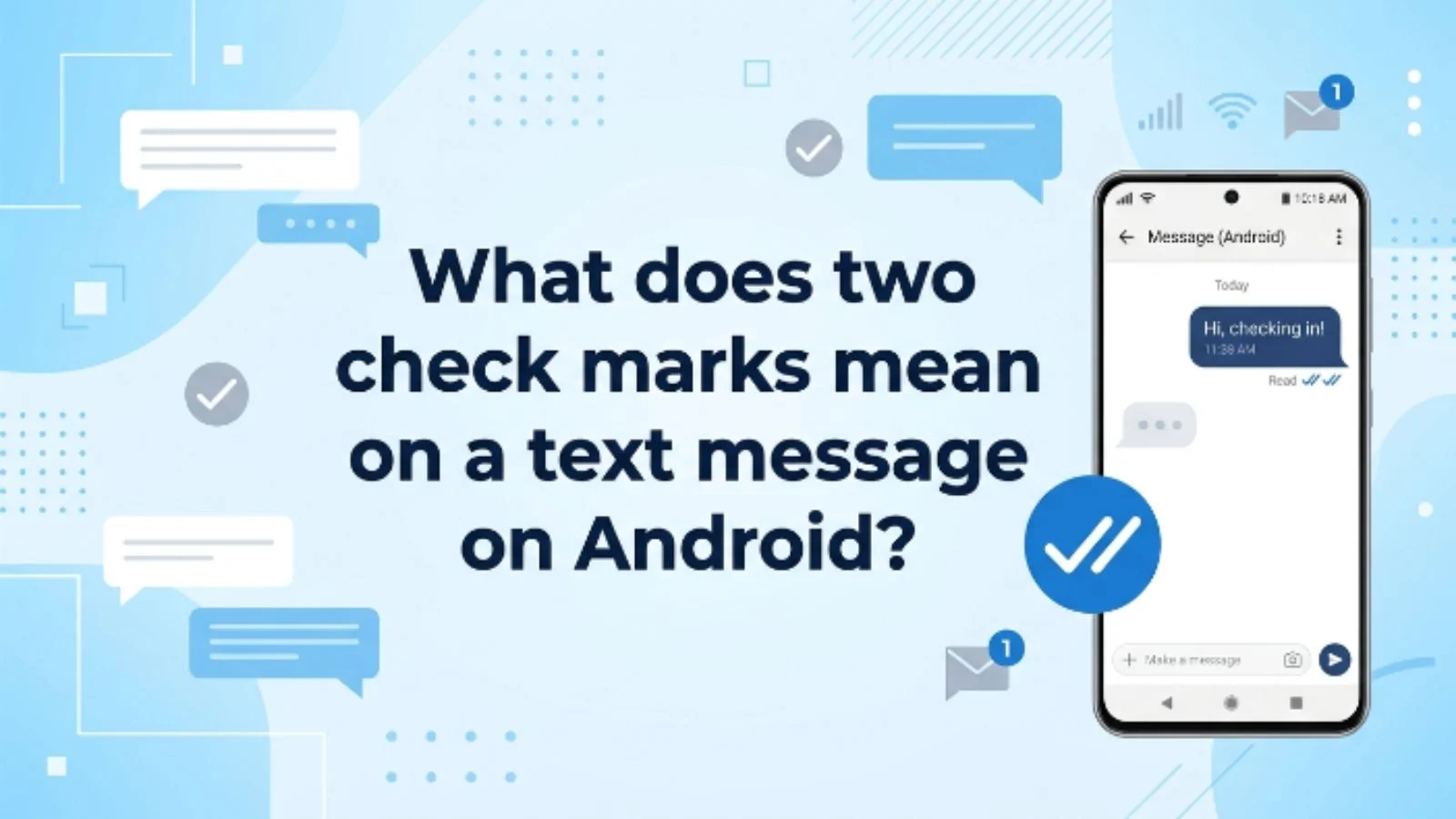
The answer depends on the messaging app and the type of message you sent. In Google Messages using RCS, two check marks normally mean your message has been delivered to the recipient’s device. When the double check marks become color-filled, they indicate that the message has been read. Google confirms that these delivery and read icons apply to RCS chats and do not appear for ordinary SMS or MMS messages.
So, if you’re seeing two check marks, don’t automatically assume the person has read your message.
Let’s break it down in simple terms.
What Does Two Check Marks Mean on a Text Message on Android?
Two check marks on an Android text message usually mean that the message has been delivered to the recipient’s device when you’re using Google Messages with RCS.
The important difference is between delivered and read.
In Google Messages:
- One check mark = The message was sent.
- Two check marks = The message was delivered.
- Color-filled two check marks = The message was read.
Google specifically explains that these status icons are part of RCS chats and are not displayed for standard SMS or MMS messages.
That means two check marks are generally good news: your message reached the other person’s device.
However, it does not necessarily mean they opened the conversation and read it.
Simple Meaning of Two Check Marks
Think of the check marks as a delivery tracking system.
Imagine you send this message:
“Hey, are you free tonight?”
You see one check mark first.
That means the message has been sent.
A moment later, two check marks appear.
That means the message has been delivered.
If the two check marks later become filled in, Google Messages uses that state to indicate the recipient has read the message.
So the easiest way to remember it is:
One check = sent.
Two checks = delivered.
Filled two checks = read.
This distinction is especially important when you’re waiting for someone to respond.
Where Are Two Check Marks Used?
You will most commonly see this system in Google Messages when RCS chats are enabled.
RCS stands for Rich Communication Services. It is a newer messaging standard that adds features beyond traditional SMS, including:
- Read receipts
- Delivery indicators
- Typing indicators
- Higher-quality photo and video sharing
- Messaging over Wi-Fi or mobile data
Google says RCS messages use Wi-Fi or mobile data, and availability can depend on the device, carrier, and region.
RCS can also work between Android phones and compatible iPhones where RCS is supported. Google notes that read receipts and other RCS features are available in supported one-to-one conversations.
What About Samsung Phones?
Samsung devices have increasingly moved toward Google Messages. Samsung announced that its Samsung Messages application would be discontinued in July 2026 in the U.S. market and encouraged users to switch to Google Messages for RCS features.
Older Samsung Messages versions could also show delivery and read information, but the exact appearance and wording could vary depending on the device, software version, carrier, and messaging settings.
Samsung’s support documentation explains that delivery and read indicators can be enabled in supported versions of its Messages app.
Why Do People Use Two Check Marks?
The main purpose is simple: to tell you what happened to your message after you pressed Send.
Without a delivery indicator, you might be left wondering whether your message actually reached the recipient.
The check marks give you a quick status update.
For example:
You: “Can you send me the address?”
Status: One check
Your message has been sent.
Status: Two checks
Your message has been delivered.
Status: Filled double checks
The message has been read, assuming read receipts are functioning and enabled.
This can be particularly useful when communicating with friends, family, coworkers, or customers.
Real-Life Examples of Two Check Marks
Example 1: Two Checks but No Reply
You text:
“Are you coming to the party?”
You see two check marks, but there is no response.
This usually means the message was delivered, not necessarily that the person has read it.
They could be busy, away from their phone, or simply haven’t opened the conversation yet.
Example 2: Two Checks Become Filled
You send:
“Please call me when you’re free.”
The message initially shows two regular check marks.
Later, they become color-filled.
In Google Messages, that indicates the message has been read.
If they still don’t reply, that is a separate issue. A read receipt tells you about the message status, not why someone hasn’t responded.
Example 3: One Check Stays on the Message
You send:
“Good morning!”
But the message continues showing a single check.
That means it has been sent, but it has not reached the recipient’s device yet according to the RCS status system.
Connectivity or RCS availability can affect delivery.
Example 4: You’re Using Regular SMS
You send a normal SMS text and don’t see the familiar RCS check marks.
That’s not necessarily a problem.
Google explains that its RCS status icons do not show on SMS or MMS messages.
The messaging system you’re using matters.
Two Check Marks vs. One Check Mark vs. Read
| Status | What It Usually Means in Google Messages |
|---|---|
| One check mark | Message has been sent |
| Two check marks | Message has been delivered |
| Color-filled two check marks | Message has been read |
| No RCS check marks | May be SMS/MMS rather than RCS |
The exact visual appearance can change with app updates, themes, or device versions, so focus on the status represented by the icon, rather than assuming every Android phone will look identical.
Does Two Check Marks Mean They Read Your Message?
No, not by themselves.
This is probably the biggest misunderstanding surrounding Android message check marks.
If you see two unfilled check marks in Google Messages, they indicate delivery.
A color-filled double check indicates that the message has been read.
So if you’re thinking:
“They have two check marks, so they definitely read my message.”
That’s not necessarily correct.
They may have received the message without opening it.
What If the Check Marks Look Blue?
This is where things can become confusing because the appearance of the icons can vary with Google Messages updates and themes.
Google’s official explanation focuses on the distinction between double checks and color-filled double checks rather than simply saying “blue equals read.”
Recent Google Messages community discussions also show that users have noticed changes in how read indicators appear after updates.
Therefore, don’t rely only on color.
Instead, check whether the double-check icon is displayed in the read state used by your current version of Google Messages.
Do Two Check Marks Mean You Are Blocked?
Not necessarily.
A double check mark generally indicates delivery in an RCS conversation.
It does not provide a reliable way to determine whether someone has blocked you.
If you’re worried because someone isn’t responding, don’t use the check marks alone as proof that you’ve been blocked.
Many things can affect messaging behavior, including:
- Internet connectivity
- RCS availability
- Read receipt settings
- Device changes
- Messaging app updates
- Carrier behavior
- Temporary service problems
A delivery indicator is useful, but it isn’t a complete explanation of what the other person is doing.
Can You Turn Read Receipts Off?
RCS includes read receipts, and Google Messages allows users to control certain RCS settings.
Google explains that RCS chats support read receipts, which let contacts know when a message has been read.
This means you shouldn’t assume that every person will have exactly the same read-status experience.
If read receipts are unavailable or disabled, you may see delivery information without receiving a clear indication that the other person has read the message.
Why Don’t I See Two Check Marks?
If you’re expecting double check marks but only see a basic SMS conversation, there are several possible explanations.
1. RCS Is Not Available
RCS availability depends on your device, carrier, and region.
Google recommends checking your RCS settings in Google Messages if you aren’t sure whether RCS is active.
2. The Conversation Is Using SMS or MMS
Standard SMS and MMS messages don’t use the same RCS delivery icons in Google Messages.
That’s why you might have one conversation with check marks and another without them.
3. The Other Person Doesn’t Have RCS
RCS features work when the participants in the conversation have RCS available and enabled.
If the conversation falls back to SMS or MMS, the RCS indicators may not appear.
4. Your Internet Connection Is Unstable
Because RCS messages use Wi-Fi or mobile data, connectivity can affect how messages are sent and delivered.
A temporary connection problem can delay status updates.
Common Misunderstandings About Two Check Marks
Misunderstanding 1: “Two checks mean they read it.”
Not always.
In Google Messages, two regular checks mean delivered, while a color-filled double check indicates read.
Misunderstanding 2: “Two checks mean they are online.”
Not necessarily.
Delivery does not prove that the person is currently online or actively using their phone.
Misunderstanding 3: “Two checks mean they will reply.”
Definitely not.
A delivery receipt tells you that the message reached the recipient’s device. It doesn’t tell you when, or whether, they will respond.
Misunderstanding 4: “All Android phones use the same icons.”
Android isn’t a single messaging app.
Different phones, apps, carriers, software versions, and messaging standards can produce different indicators.
Google Messages with RCS is one of the clearest examples of the double-check system.
Pro Tips for Understanding Android Check Marks
If you want to avoid confusion, keep these points in mind:
- Don’t confuse delivered with read.
- Check whether your conversation is using RCS.
- Don’t assume a lack of reply means your message wasn’t received.
- Remember that standard SMS/MMS doesn’t use the same RCS check-mark indicators in Google Messages.
- If the icons suddenly look different after an update, check the current Messages settings and help information.
- Avoid using message indicators as proof that someone is ignoring you or has blocked you.
The most important tip is simple: look at the status, not just the symbol’s color or appearance.
When Should You Pay Attention to the Check Marks?
Check marks are most useful when you’re troubleshooting a messaging problem.
For example, if you’re wondering why someone hasn’t received an important message, the status can help you understand whether the message was sent or delivered.
They’re also useful when you send time-sensitive information such as:
“I’m outside the building.”
If you see the message has been delivered, you know the RCS system has reported successful delivery to the recipient’s device.
However, avoid overanalyzing every status update in personal conversations.
Someone can receive a message and still be unavailable for hours.
A Quick Way to Remember
If you keep forgetting what each icon means, remember this simple sequence:
One check → Sent
Two checks → Delivered
Filled double checks → Read
This is the basic RCS status system documented by Google Messages.
Final Thoughts
So, what does two check marks mean on a text message on Android?
In Google Messages with RCS, two check marks generally mean your message has been delivered to the recipient’s device. They do not automatically mean the person has read it. A color-filled double-check indicator is used to show that the message has been read.
The distinction between sent, delivered, and read can save you from a lot of unnecessary confusion.
If you’re waiting for someone to respond, remember that delivery is only one part of the story. The message may have reached them even if they haven’t opened it yet.
And if you don’t see check marks at all, your conversation may be using regular SMS or MMS rather than RCS.
Frequently Asked Questions
1. What do two check marks mean on Android Messages?
In Google Messages using RCS, two check marks mean your message has been delivered to the recipient’s device. A color-filled double-check indicator means the message has been read.
2. Do two check marks mean someone read my text?
No. Two regular check marks indicate delivery, not necessarily reading. Google Messages uses a color-filled double-check state to indicate that the message has been read.
3. Why do I have two check marks but no reply?
The message may have been delivered without being read. Even if it has been read, the recipient may be busy, unavailable, or simply not ready to respond.
4. Why don’t my SMS messages show two check marks?
Google states that its RCS check-mark icons don’t appear on SMS or MMS messages. If your conversation is using traditional texting instead of RCS, you may not see the same delivery and read indicators.