Have you ever been scrolling through a forum, opening an old email, or reading a translated article only to stop dead in your tracks because of a bizarre string of characters? You are looking at something like >锟絤锟 and wondering if your phone is possessed, if you just uncovered a secret hacker code, or if your screen is physically broken.
It looks like complete gibberish, but this strange cluster of text actually has a fascinating, hidden story. It is not a new internet slang trend used by Gen Z, nor is it a secret password. It is a digital scar left behind by a massive miscommunication between computer systems.
Let us pull back the curtain on this bizarre digital phenomenon, explain exactly why it happens, and translate what it actually means when it hijacks your screen.
What Does >锟絤锟 Mean in Text?
If you are looking for a quick, direct definition to save your sanity, here it is:
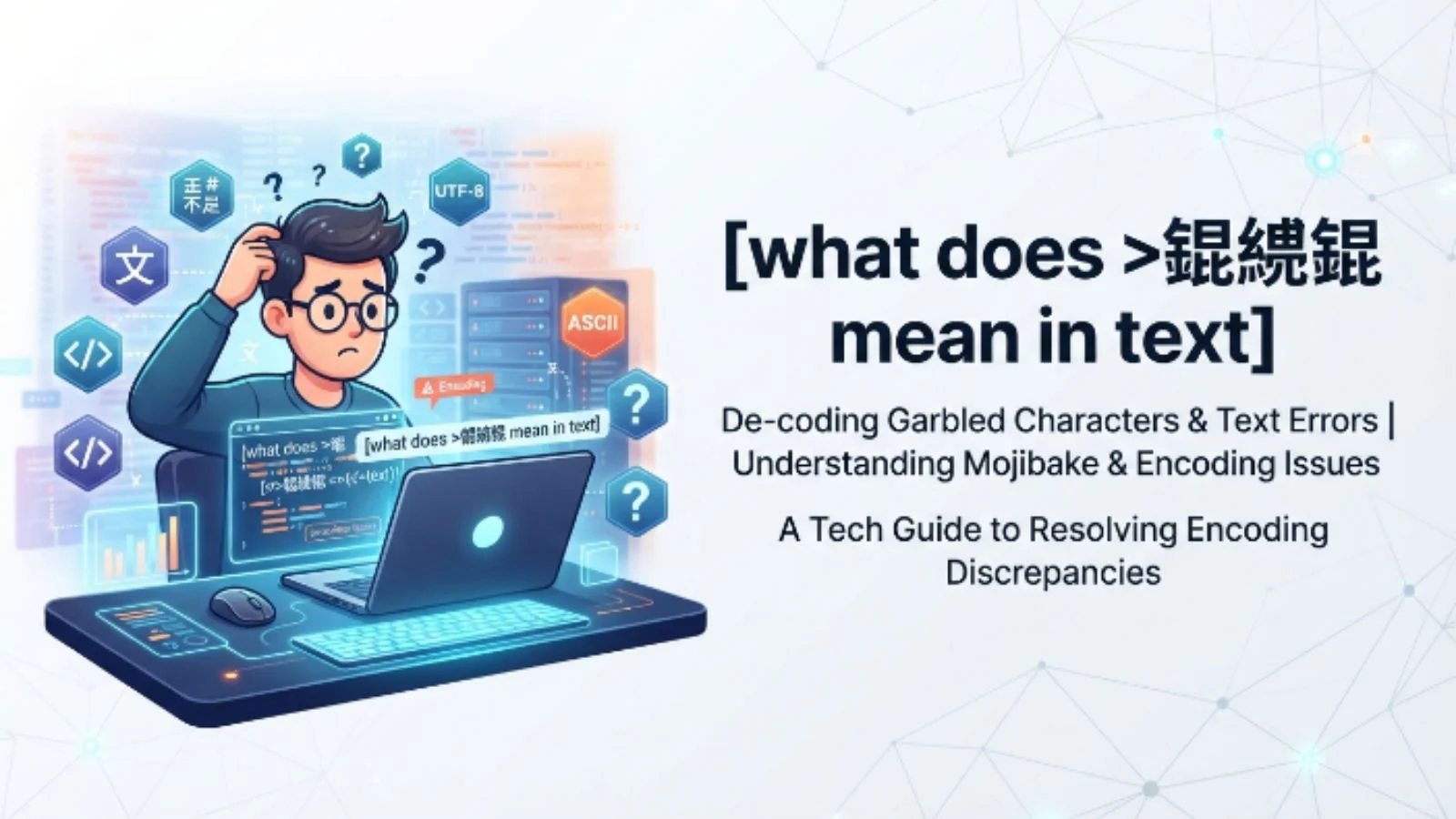
>锟絤锟 does not have a literal meaning. It is a visual error called mojibake, which happens when a computer program tries to read text using the wrong character encoding system. Specifically, it occurs when Chinese text encoded in a system called GBK is accidentally opened or decoded by a system using UTF-8, causing Chinese characters to warp into random combinations like “锟絤”.
To make it even simpler, imagine trying to read a Spanish book using a French-to-English dictionary. The words will get completely jumbled up, and the sentences will make absolutely zero sense. That is exactly what your computer is doing when it shows you these strange symbols.
The Simple Meaning Behind the Digital Madness
To truly understand what is happening here, we need to talk about how computers see words. Computers do not actually understand letters, numbers, or punctuation. They only understand binary code—ones and zeros.
Because of this, programmers created “encoding systems,” which act like digital translation books. These books tell the computer that a specific sequence of ones and zeros equals a specific letter or symbol.
For decades, different regions of the world used their own custom translation books:
- Western countries relied heavily on systems like ASCII or Windows-1252.
- Mainland China developed systems like GB2312 and GBK to handle thousands of unique Chinese characters.
- Eventually, the tech world invented UTF-8, a universal translation book designed to support every language on earth.
The trouble starts when a file is written using one translation book but read using another.
When a modern system using UTF-8 encounters a file written in the older Chinese GBK format without proper instructions, it panics. It tries to force the GBK code into the UTF-8 template. The result of this digital mismatch is a completely mangled mess of text, and because of the mathematical ways these specific systems overlap, the characters 锟 (kūn), 絤 (xián), and 絏 (xiè) constantly pop up together.
Where Is This Glitch Usually Used or Encountered?
Because >锟絤锟 is a technical error rather than a slang term, nobody is typing it out on purpose to communicate a message. Instead, you will stumble across it in very specific digital environments:
1. Legacy Web Forums and Online Archives
Many older online message boards, gaming forums, and community sites built in the late 1990s or early 2000s in Asia used local encoding. When these databases are migrated to modern cloud servers or viewed on modern web browsers, the text can instantly corrupt into rows of 锟絤.
2. Video Game Emulators and Fan Translations
If you love playing retro PC games or Japanese/Chinese retro RPGs via emulators, you have likely seen this string of text. If the emulator or the fan-made English translation patch fails to sync with the game’s original font files, all the dialogue boxes turn into >锟絤锟.
3. Subtitle Files (.SRT)
Downloading subtitles for international films or anime is a hotbed for this issue. If the subtitle creator saved the text file using a legacy regional encoding setting, your media player will fail to read it, rendering the dialogue completely unreadable.
4. Cross-Platform Copy and Pasting
Copying text out of an old document or a legacy desktop application and pasting it directly into a modern web browser or a chat app like Discord can trigger an instant translation failure, turning your message into computer salad.
Why Do People Talk About It If It Is a Glitch?
If it is just a mistake, why are people actively searching for it?
The answer lies in human curiosity and internet culture. When people see a repeating pattern of bizarre text, they naturally assume it is a meme, a hidden easter egg, or a specific piece of internet slang.
In Chinese internet culture, this specific glitch became so incredibly famous that it actually did turn into an ironic meme. Netizens started intentionally using the phrase “锟斤拷” (kūnjīnkǎo)—which is a sibling glitch born from the exact same encoding error—as a funny way to describe someone talking complete nonsense, or to joke that their own brain has temporarily short-circuited.
Real-Life Examples of How This Looks
To help you spot this error in the wild, let look at how it manifests depending on the context of your text.
Example A: The Corrupted Web Article
What you expect to read: “Welcome to our website! Please click the link below to read our updated safety guidelines for the year.”
What actually displays: “Welcome to our website! Please click the link below to >锟絤锟 read our updated safety >锟絤锟 guidelines.”
Example B: The Broken Database Error
What you see in a system log:
Error Code 404: Location data corrupted at line 42 (>锟絤锟 >锟絤锟 >锟絤锟).
In both scenarios, the text surrounding the glitch is perfectly fine because it was written in basic English characters (which work universally across almost all encoding systems). The glitch only attacks the specific characters, symbols, or hidden formatting data that it cannot translate.
How Character Glitches Compare Across Systems
Different translation errors produce different types of gibberish text. Depending on what operating system you use and which encoding books are fighting each other, the visual errors will change.
| The Glitch Text | The Root Cause | What It Looks Like to the User |
| >锟絤锟 or 锟斤拷 | Chinese GBK data being read by a UTF-8 system. | Random, rare Chinese characters showing up in rows. |
| é, á, ñ | Western European text (Windows-1252) read as UTF-8. | Strange accented letters interrupting English words. |
| ** ** | A system completely giving up on recognizing a character. | Black diamonds with white question marks inside them. |
| ⬜ ⬜ ⬜ (Tofu blocks) | The computer lacks the actual font file to display the letters. | Empty squares where text or emojis should be. |
Common Misunderstandings About >锟絤锟
When people run into this string of characters for the first time, their minds often jump to the wrong conclusions. Let us clear up the most common myths:
- Myth 1: It is a virus or malware. Seeing weird text can be alarming, but this is entirely harmless. It will not damage your device, steal your data, or corrupt your operating system. It is simply a font presentation failure.
- Myth 2: It is a secret hacker code. There is no hidden meaning or encrypted communication taking place. It is the digital equivalent of a typo caused by a machine.
- Myth 3: Someone is typing it to mock you. Because the character string includes a “greater-than” sign (
>), people sometimes assume it is an aggressive arrow pointing at them or a piece of toxic gaming slang. It is completely automated.
Pro Tips: How to Fix This Text Error on Your Device
If you are trying to read an important document, a website, or subtitles that are being blocked by this annoying >锟絤锟 glitch, you do not have to just sit there and suffer. You can actually fix it using a few quick tech adjustments.
If you are using a Web Browser:
Modern browsers usually handle this automatically, but if a site breaks, you can use a browser extension like “Chardet” or “Set Character Encoding.” These tools allow you to manually force the web page to open using GBK or GB2312 instead of UTF-8, which will instantly transform the gibberish back into clean text.
If you are opening a Text Document (.txt or .srt):
Do not open the file by double-clicking it. Instead, open your text editor (like Notepad or TextEdit) first. Go to File > Open, select the broken file, and look for a dropdown menu labeled Encoding. Change the setting from UTF-8 to GBK or Chinese Simplified, and hit open.
For Developers and Content Creators:
Always ensure your databases and web servers explicitly declare a charset in their headers. Adding <meta charset="UTF-8"> to the very top of your HTML code ensures that browsers never have to guess how to read your data, completely eliminating the risk of your users seeing these ugly errors.
Final Thoughts
The next time you see >锟絤锟 pop up on your screen, you do not need to panic or wonder what kind of internet slang you missed out on. You are looking at a classic digital misunderstanding—a remnant of a time when the internet was fractured into different regional languages that didn’t know how to talk to one another. It is a visual reminder of just how hard our devices work behind the scenes to keep our digital world seamless, clean, and readable.
Frequently Asked Questions
1. Can I type >锟絤锟 on a standard keyboard?
You cannot easily type it out using a standard English keyboard layout. To reproduce it, you either have to manually copy and paste it, or intentionally force a text editor to save Chinese characters under the wrong file format settings to trigger the conversion error.
2. Is this glitch unique to computers in China?
While the 锟絤 variant is unique to the Chinese GBK system, the underlying issue happens globally. Every language that uses non-Latin characters (including Japanese, Arabic, Russian, and Korean) experiences its own unique version of text corruption when mismatched with older code standards.
3. Why hasn’t this text error been completely fixed yet?
Even though the universal UTF-8 format is now standard across the modern internet, millions of older databases, archival legacy websites, and retro pieces of software still exist. Until every single piece of historical data is updated to modern standards, these little digital ghosts will continue to pop up from time to time.